
How to Extract Advertiser Brands from Meta Ads Library (2026 Guide)

Author
Aaron M
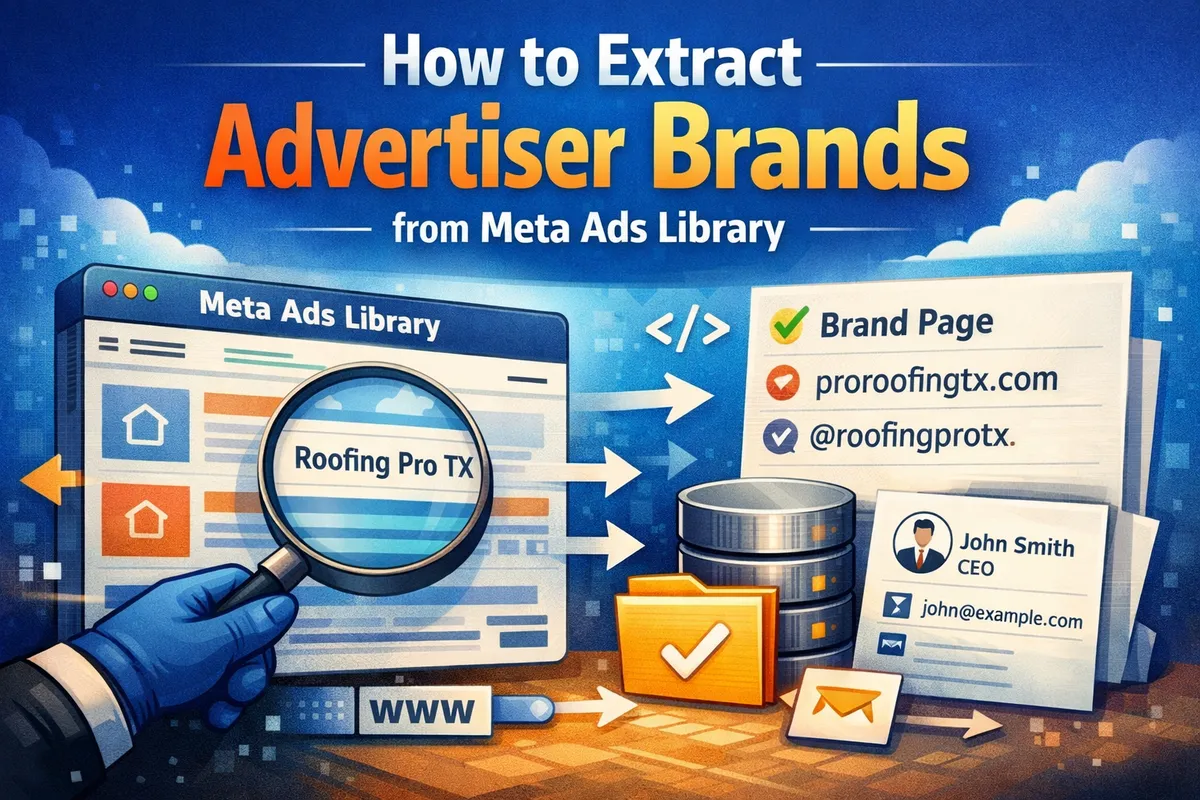
To extract advertiser brands from Meta Ads Library, collect ads using scraping or tools, extract page names and CTA links, resolve domains, and normalize the data. Since Meta does not provide structured brand fields, building a custom pipeline is required to identify and deduplicate advertisers at scale.
How to Extract Advertiser Brands from Meta Ads Library
Most teams pick one primary extraction path—official API, a hosted tool, a cloud actor platform, or a fully custom scraper. This overview compares how each approach fits lead generation and ongoing maintenance; the intro below explains why Meta’s data is messy and what counts as an “advertiser brand.”
| 🧰 Tool / approach | 🎯 Best for | ⚙️ Setup & upkeep | 📤 Typical output |
|---|---|---|---|
| Meta Ads Library API Official, tos-aware entry point. | Compliance & research.Small batches, policy checks, light reporting—not full-funnel URLs. | Low ops—but strict rate limits and narrow fields. | Ad + page metadata.Landing URLs often incomplete vs. what you see in the UI. |
| Custom scrape Playwright, Puppeteer, your own workers. | Full control & scale.Custom storage, queues, niche parsing—when you’re building a product, not a one-off export. | HighBrowsers, proxies, retries—and fixes whenever Meta changes the library UI. | Raw ads.You own brand normalization, dedupe, and export shape. |
| AdsLeadz A simple, marketer-friendly setup—extension + web app, no engineering required. | Marketing & growth teams.Great when marketing needs competitor intel, lead lists, and outreach—not another dev ticket for scraping. | Low — easy for marketersPoint-and-click in Ads Library, export when ready—UI changes are handled on the product side. | Campaign-ready advertiser lists.Contacts & domains formatted for CRM, email tools, and day-to-day marketing workflows. |
| Apify actors Marketplace + cloud runs, developer-oriented. | Engineering teams.Scheduled jobs, APIs, and multi-source scraping—not only Ads Library. Compare positioning: AdsLeadz vs Apify. | MediumPick/configure actors, own output schema—often pay-per-run economics. | Run artifacts (JSON/CSV).Enrichment (emails, firmographics) is usually a separate step. |
| Automation stacks e.g. n8n, Make, internal ETL. | Ops & CRM wiring.Push library data into Sheets, CRMs, Slack—after you have a stable upstream feed. | Medium–highYou maintain triggers, error paths, and schema drift. | Whatever you connect.Quality mirrors your scraper/API + how you map fields downstream. |
Intro
Meta Ads Library is one of the few places where you can see which businesses are actively spending money on ads.
That alone makes it valuable.
You’re not guessing who might need marketing. You’re looking at companies already paying for traffic.
But there’s a catch.
There’s no clean “brand” field.
No structured company data.
Just ads, page names, and scattered signals.
If you want usable leads, you need to build your own extraction flow.
What is an “Advertiser Brand” in Meta Ads Library
Meta doesn’t give you a single field called “brand”.
Instead, you get fragments:
- Page name
- Page ID
- Instagram handle (sometimes)
- CTA link (most useful)
So extracting advertiser brands means combining these into something usable.
Example:
- Page: Pro Roofing Experts TX
- CTA: proroofingtx.com
That’s your actual brand.
But it’s messy:
- Same company can run multiple pages
- Names are inconsistent
- Agencies can appear instead of clients
So you always need cleanup.
Ways to Get Advertiser Data from Meta Ads Library
1. Official Meta Ads Library API
Meta provides an API, but it’s limited.
Pros:
- Stable
- No scraping required
Cons:
- Missing important data
- Limited access
- Strict rate limits
Works for small research. Not great for lead generation at scale.
2. Scraping the Ads Library
This is what most systems rely on.
Basic idea:
- Search ads by keyword and GEO
- Load results
- Extract visible data
Typical setup:
- Puppeteer / Playwright
- Proxies
- Queue system
You can extract:
- Page names
- Ad text
- CTA links
More flexible than the API, but requires maintenance.
3. Using Tools
If you don’t want to build infrastructure yourself, you can lean on:
- AdsLeadz — Chrome extension and web workflows tuned for Meta Ads Library: simple for marketing teams—pull page names, CTAs, and exports without code, proxies, or your own browser farm.
- Apify actors — Pre-built scrapers you can schedule and scale on Apify’s platform (you still adapt when the library UI changes).
- Custom tools — In-house Playwright scripts, n8n/Make flows, or wrappers around your own database—full control, full maintenance.
Together, these paths usually cover crawling, parsing, and first-pass cleanup, so you reach a usable brand list faster than wiring everything from scratch.
Try AdsLeadz
Built for marketers and agencies: extract advertisers from Meta Ads Library and export structured data—no engineering stack or custom scraper required.
Try for freeStep-by-Step: How to Extract Advertiser Brands
Step 1: Define Filters
Start narrow.
- GEO: US, Texas, California
- Keywords: roofing, dentist, plumbing
Example:
roofing companies in TexasStep 2: Collect Ads
Use scraping, API, or tools.
You just need raw ads.
Step 3: Extract Page Data
From each ad:
- page_name
- page_id
- CTA link
CTA is the most valuable.
Step 4: Normalize Brands
Same company might appear as:
Roofing Pro TX
Roofing Pro Texas
roofingprotx
Fix it by:
- lowercasing
- removing symbols
- grouping by domain
Step 5: Resolve Domains
If you have a CTA:
https://roofingprotx.com/offer
→ roofingprotx.com
If not:
- check ad text
- search company name
Flow
search ads
↓
extract page data
↓
resolve domain
↓
normalize
↓
deduplicate
↓
store
Challenges You’ll Face
Duplicates
Same company, multiple entries.
Fix: group by domain.
Missing Domains
Some ads don’t link out.
Fix: parse text or enrich later.
Rate Limits
Scraping too fast gets you blocked.
Fix:
- proxies
- delays
Noisy Data
You’ll get:
- dropshipping
- affiliates
- agencies
Fix:
- filter
- validate domains
How to Scale
Batching
Split by keyword and GEO.
Proxies
Required for scraping at scale.
Async Processing
jobs → queue → workers → resultsStorage
Store:
- raw ads
- clean brands
- domains
How to Turn Brands into Leads
Find People
Use:
- Apollo
Roles:
- Founder
- CEO
- Marketing
Get Emails
Use:
- Hunter
- Snov
Outreach
Example:
Hey, saw your ads in Meta Ads Library. Looks like you’re actively running campaigns - I have a couple of ideas that could improve performance.
Example
Query:
plumbing services
California
Results:
- 500 ads
- 120 brands
- ~100 usable leads
Conclusion
Meta Ads Library doesn’t give clean data.
That’s why most people don’t use it properly.
If you extract and clean the data yourself, you get access to businesses already spending money.
And those are the easiest leads to work with.
Next, prioritize who is actually spending at scale: How Media Buying Agencies Can Identify High-Spend Advertisers (2026 Guide).
Frequently Asked Questions
Similar Articles

Using Facebook Ads Library to Find Clients for Ads Agency
A practical guide on using Facebook Ads Library to find clients already spending on ads and convert them into agency leads. ...

How Agencies Use Meta Ads Library for Prospecting
A practical guide showing agencies how to use Meta Ads Library to find clients already investing in digital advertising. ...

How to Find Advertisers: A Tactical Guide with Meta Ads and Automation
A comprehensive guide to finding advertisers through Meta Ads Library and automation tools. ...

Meta Ads Library Scraper vs Manual Research: The Tipping Point Guide to ROI
A comprehensive guide comparing manual Meta Ads Library research with automated scrapers for maximizing advertising intelligence ROI. ...

How UGC Creators Find Brands Running Ads: A Data-Driven Guide
Discover proven methods for UGC creators to identify brands actively running ads and secure paid partnerships through data-driven prospecting. ...