
Shopify info in the extension
Open store insights while you browse Meta Ads Library.
Download and save ads from Meta Ads Library, organize them in dashboards, track competitors and see the Shopify store behind every ad — all in one workspace.
Works in Chrome on desktop. Plans start at $9/month — cancel anytime.

Single and bulk, from $9/month.

01 / DOWNLOAD & SAVE ADS
Select the ads you want in Meta Ads Library and download their videos, images and carousel assets, with the ad copy and details included. Or hit Save and send them straight to your dashboard.
Unlimited downloads with Ad Downloader — $9/month. Chrome on desktop.
Single and bulk, from $9/month.
Filter before you download:
02 / DASHBOARDS
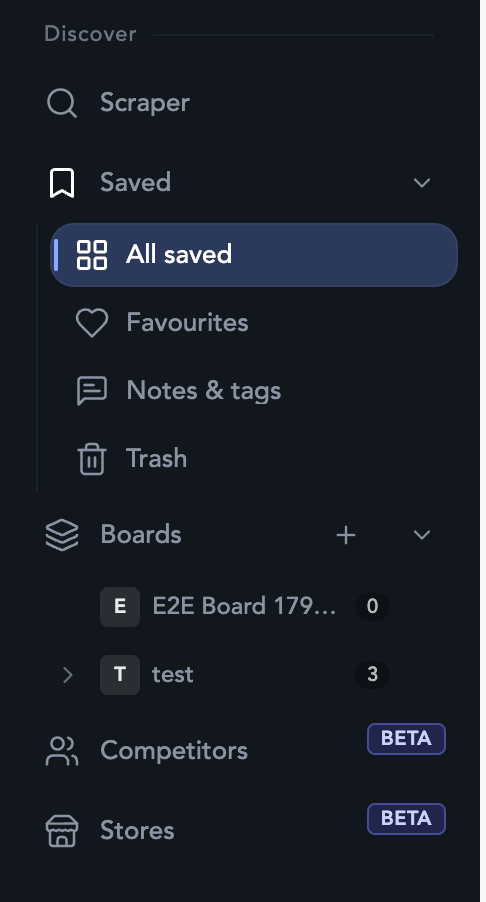
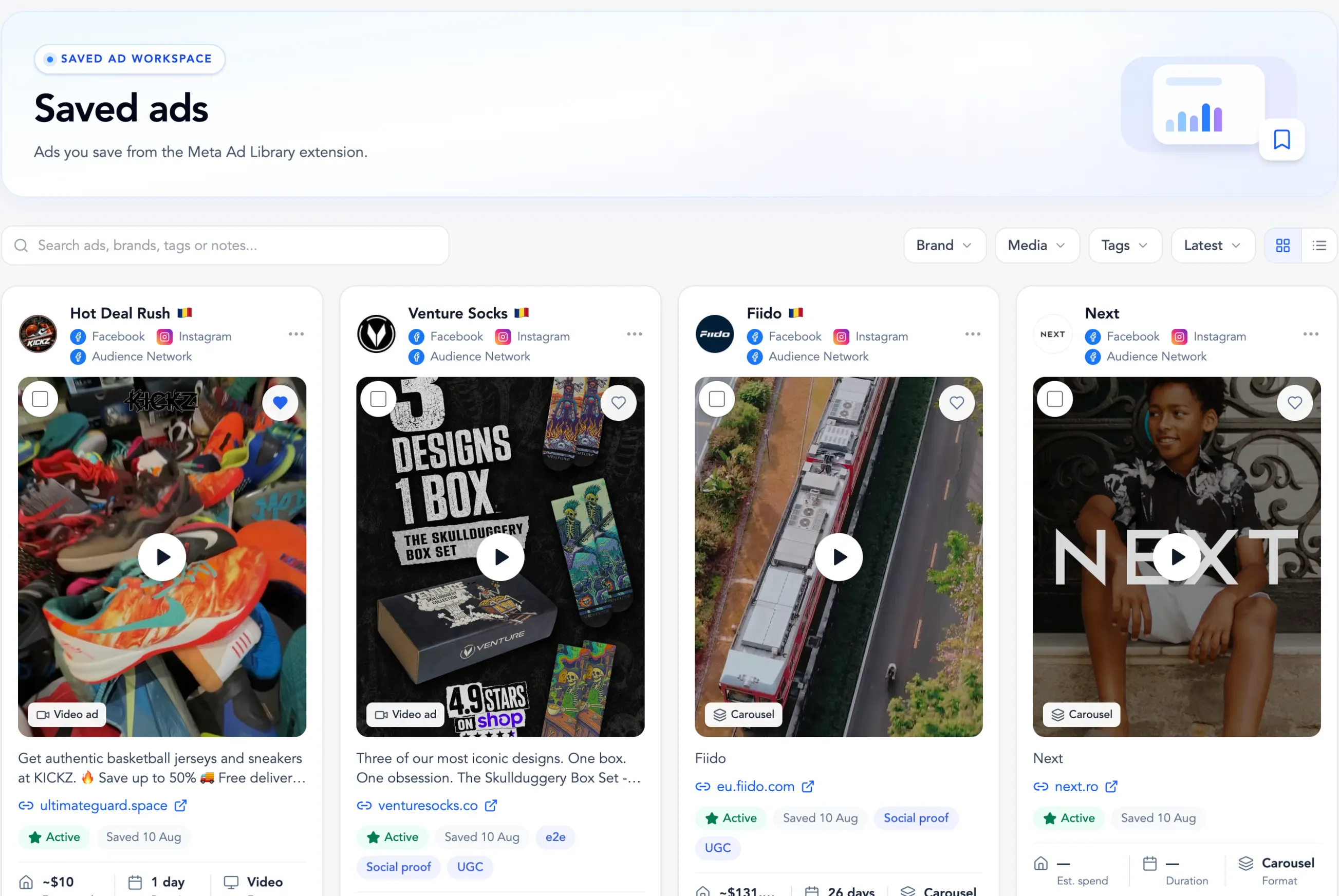
Every ad you save from Meta Ads Library lands in your dashboard with its creative, copy, landing page, running time and format. Sort them into boards, tag them, add notes and find any ad in seconds.
Save limits depend on your plan.
Organize your way:
03 / COMPETITOR TRACKING
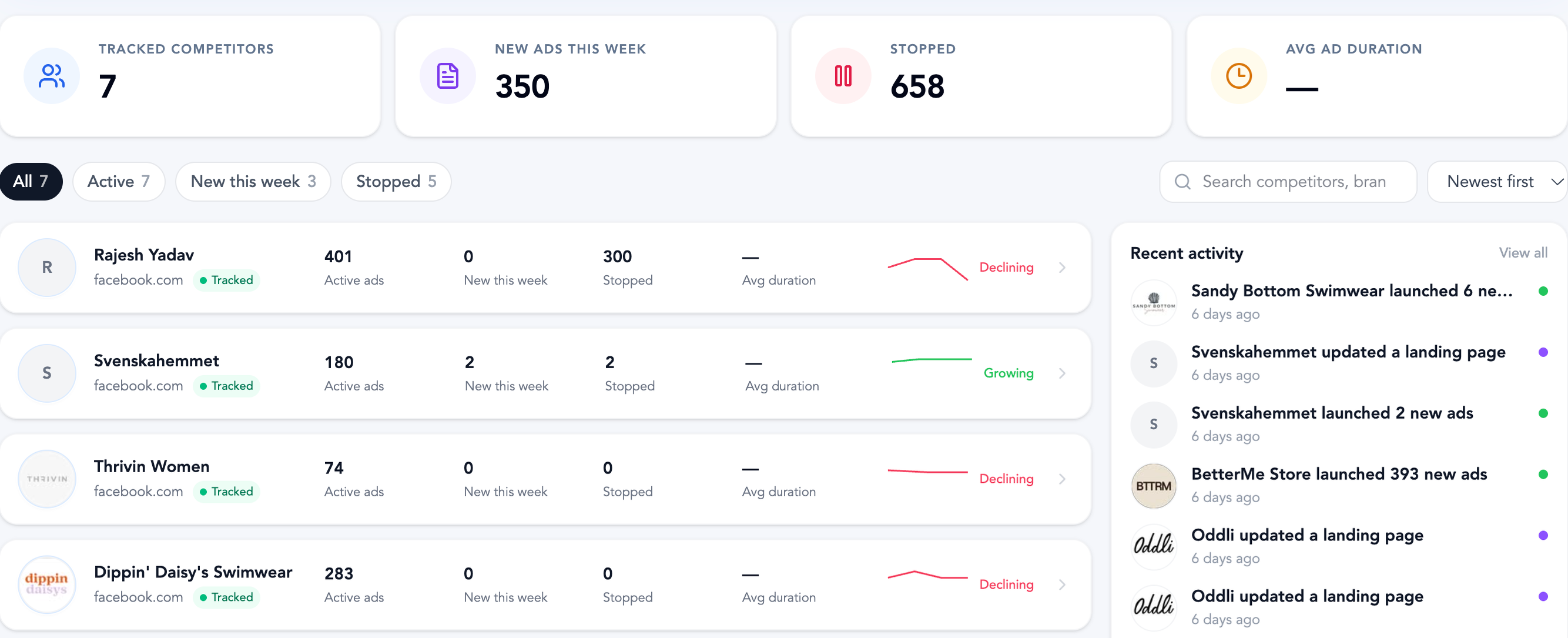
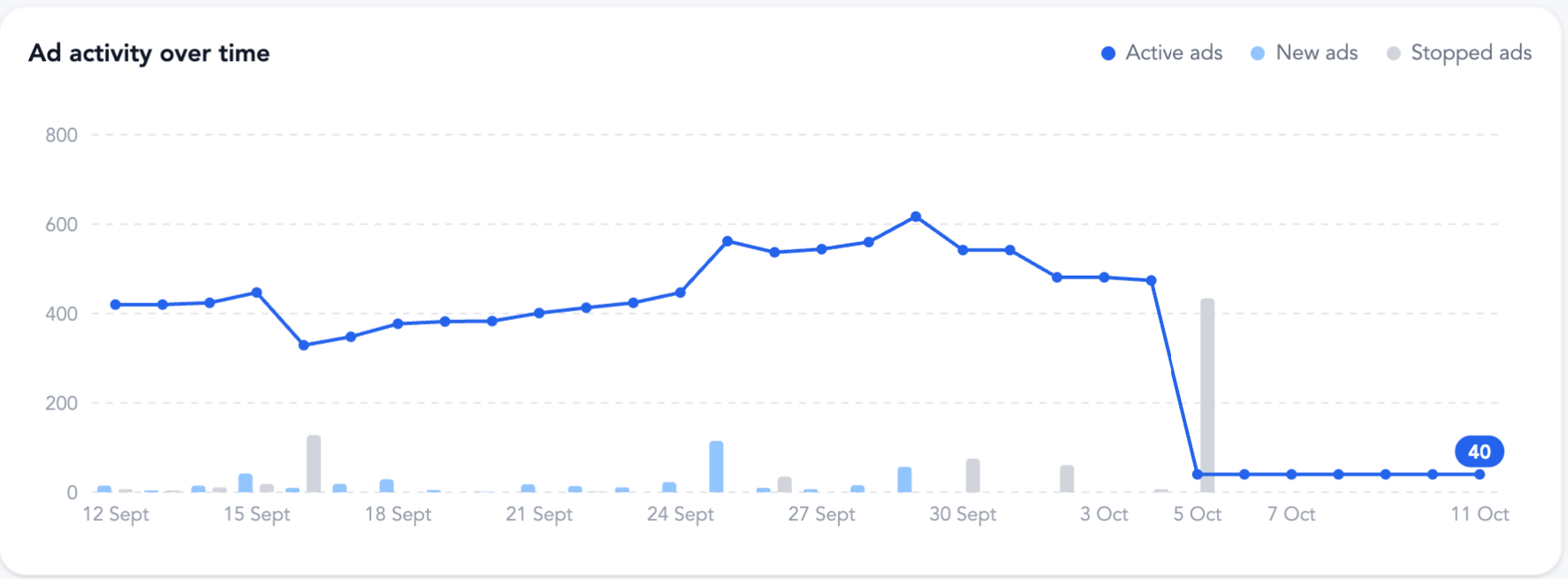
Click Track advertiser on any ad card and follow the brand from your dashboard. See how many ads they run, what launched or stopped this week, how their creative mix looks and where they send traffic.
Track up to 10 advertisers on Basic and 50 on Plus.
04 / STORES ANALYSIS
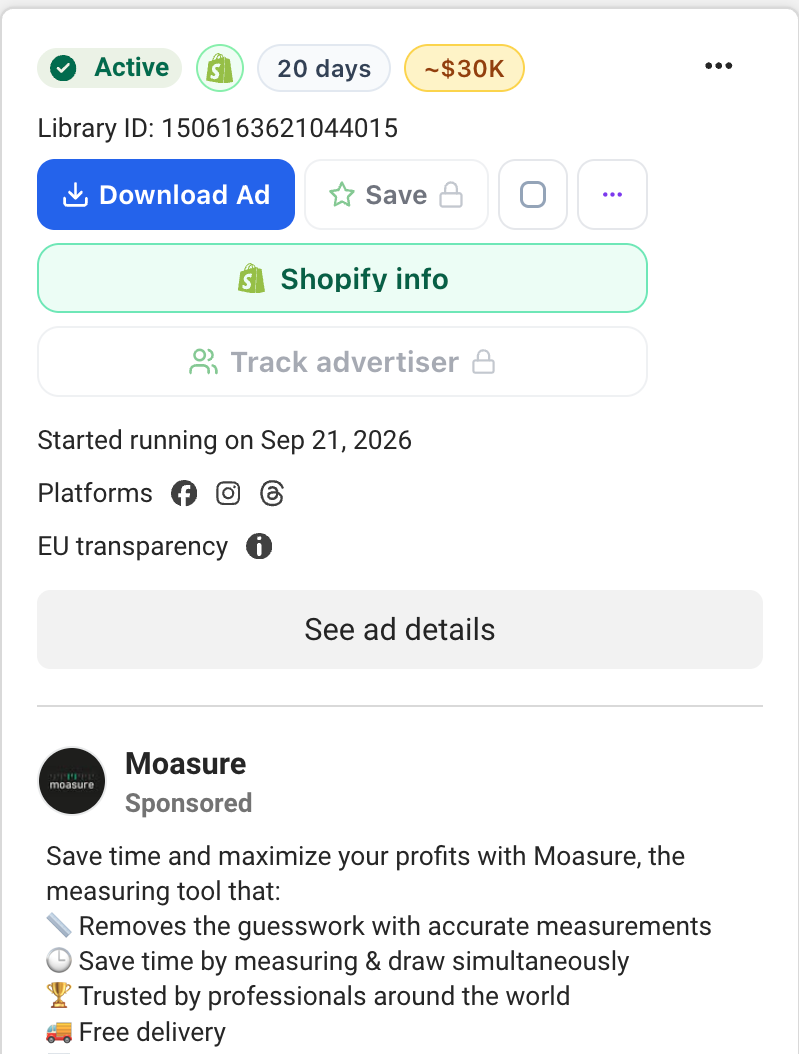
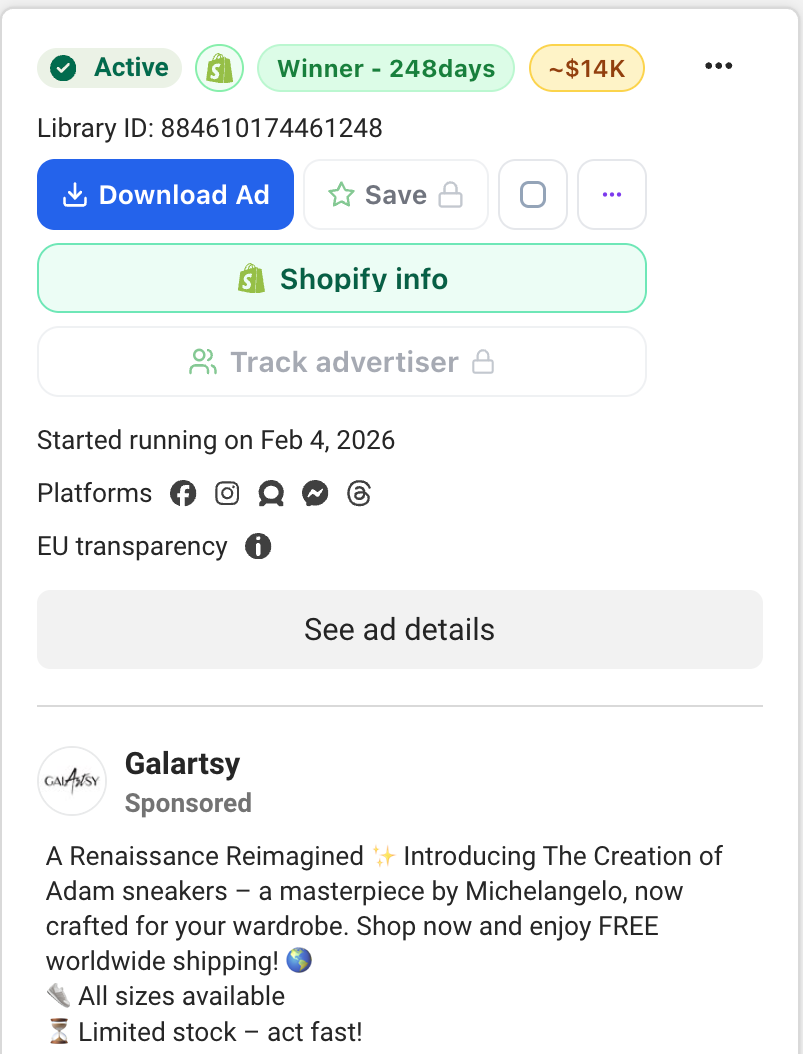
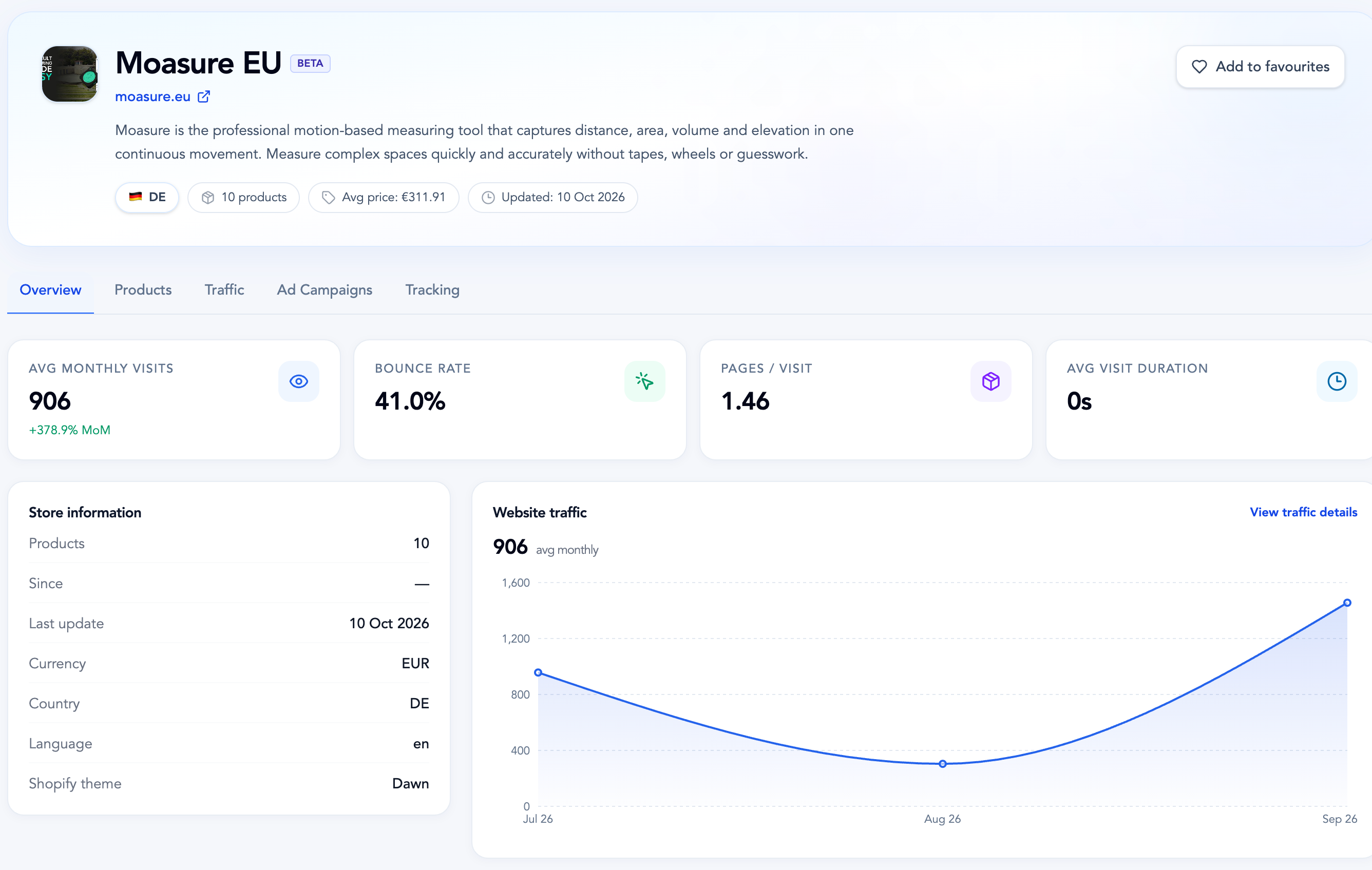
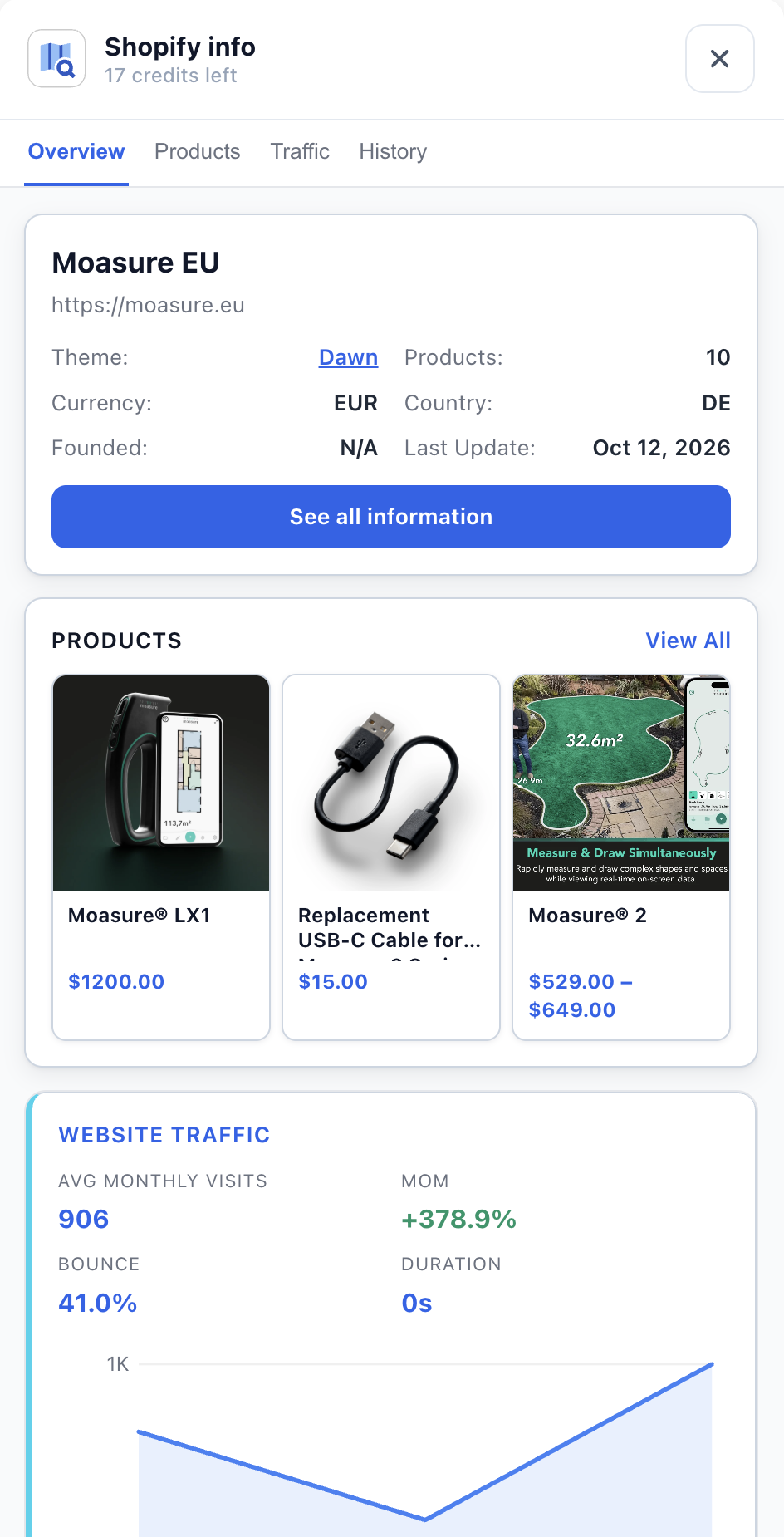
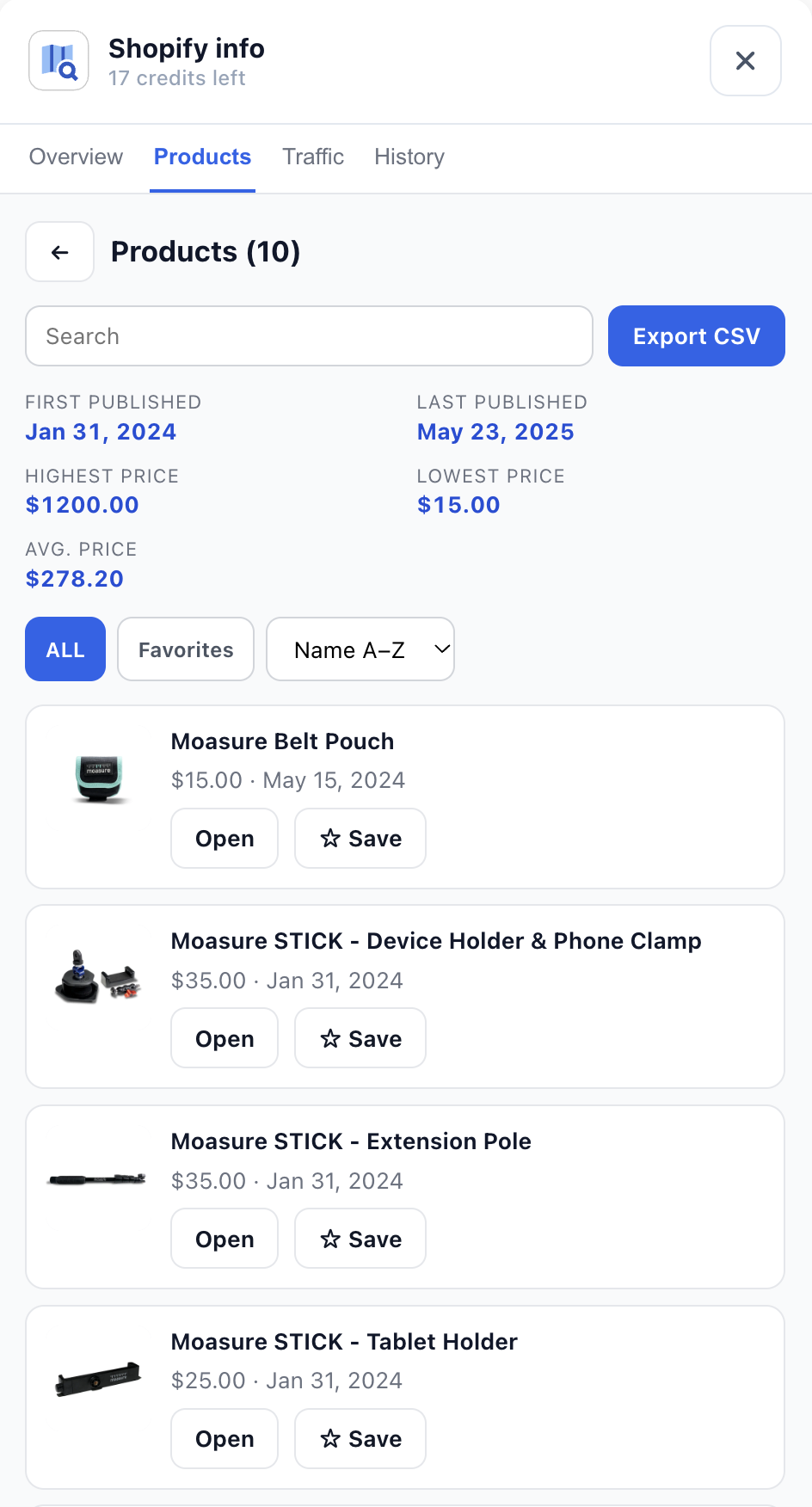
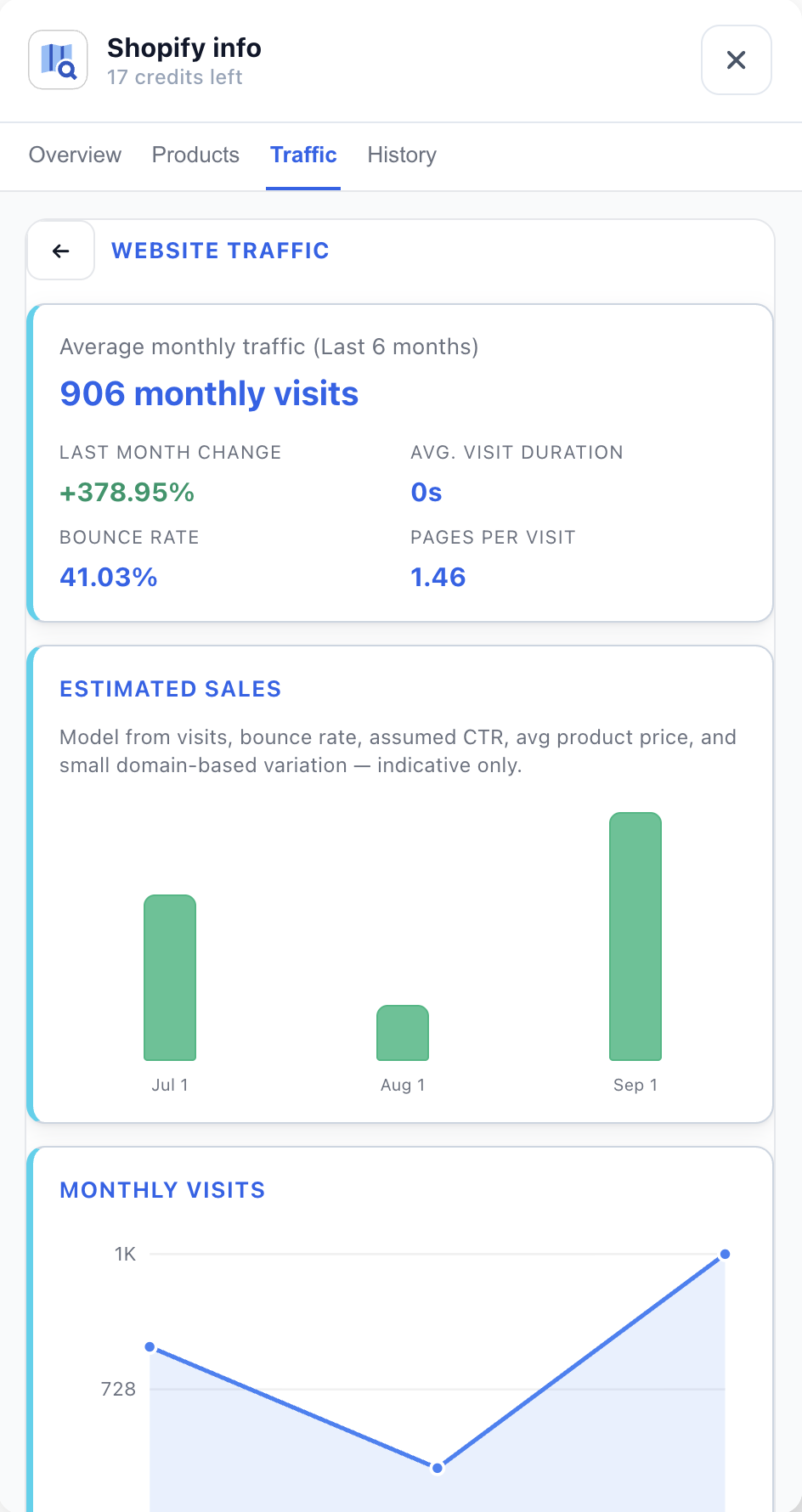
Spot a Shopify ad and click Shopify info. Get the store profile, products and prices, estimated traffic and sales without leaving Meta Ads Library — then open the full overview in your dashboard.
Store credits apply to extension inspections. Sales and traffic figures are estimates.
Open store insights while you browse Meta Ads Library.
Continue with overview, products, traffic and history.
HOW IT WORKS
Install the extension once. Everything else happens right where you already research ads.
Add AdsLeadz to Chrome, sign in and open Meta Ads Library.
Search for a brand or keyword, scroll to collect ads, then narrow them by running days, status, dates or platform.
Download creatives, save ads to boards, track the advertiser or open Shopify info for the store behind the ad.
WHO IT’S FOR
Whether you hunt for winning creatives, size up competitors or look for clients, the same workspace covers it.
Collect winning creatives, keep them with their copy and organize them into boards.
See the Shopify store, products and estimated traffic behind any ad you like.
Prospect brands that invest in paid social and track what competitors launch.
Find businesses already running Meta ads and build lead lists with the Leads Scraper.
PRICING
Start with the Ad Downloader, add competitor tracking and store insights with Basic, or scale up with Plus and the Leads Scraper.
Unlimited ad downloads and filters — without contact extraction.
Billed monthly.
Get startedUnlimited contacts with full contact extraction. Get emails, phones, and social links.
Billed monthly.
Get startedEverything in Basic, scaled for teams: 5 seats and 50 tracked advertisers.
Billed monthly.
Get startedScrape Meta advertiser leads — emails, phones, Instagram and more. Cloud scraper, 10k credits/mo, advanced filters, and API.
Billed monthly.
Get startedPrices in USD. Store credits and current access limits apply to extension inspections. Traffic and sales are estimates. Cancel anytime.
QUESTIONS, ANSWERED
Download ads and creatives, save them to your dashboard, filter and sort results, track advertisers and open Shopify store insights, all from the extension.
The extension is built for Google Chrome on desktop.
The available videos, images and carousel assets, delivered as a ZIP with the ad copy and details, plus CSV or Excel export of the ad data.
To your AdsLeadz dashboard, where you can organize them into boards, add tags and notes, and share them with your team.
Up to 10 with Basic and up to 50 with Plus.
No. Store traffic and sales figures are estimates, not verified transactions.
Yes. Plans can be cancelled anytime.
START RESEARCHING
Install the free extension and start downloading, saving and tracking in minutes.