
How to Build a Lead List Using Meta Ads Library (2026 Guide)

Author
Aaron M
You can build a targeted B2B lead list using Meta Ads Library by identifying active advertisers, analyzing ad patterns, visiting landing pages, and extracting business contact data. This guide explains both manual and automated workflows, including how tools like AdsLeadz help collect emails, websites, and advertiser data at scale.
Most people use the Meta Ads Library to spy on creatives.
Smart agencies use it to generate leads.
Every active advertiser is a potential client.
If a company is running ads right now, it means:
- They have marketing budget
- They need traffic
- They care about growth
- They test new channels
That’s high-intent B2B signal.
In this guide, I’ll show you how to turn Meta Ads Library into a structured lead list — manually and at scale using AdsLeadz.
No theory. Only practical workflow.
Why Meta Ads Library Is a Goldmine for Lead Generation
According to Meta’s transparency report, the Ads Library contains millions of active ads globally across Facebook and Instagram.
As of 2025, Meta reports over 10 million active advertisers worldwide.
Source: Meta Transparency
Each advertiser:
- Has a business page
- Is actively spending
- Has landing pages
- Often lists contact info
That’s not random scraping. That’s filtered by intent.
If someone is paying for ads — they are already buying marketing.
Step 1: Define Your Target Vertical
Before opening the library, define:
- Industry (ecommerce, SaaS, local services, coaching, real estate)
- Geography
- Ad language
- Funnel type (lead gen, ecommerce, webinar, app installs)
Example:
Let’s say you’re an AI video agency. You search:
- “Book a demo”
- “Free trial”
- “Get started”
- “Apply now”
Those phrases usually indicate SaaS or service-based advertisers.
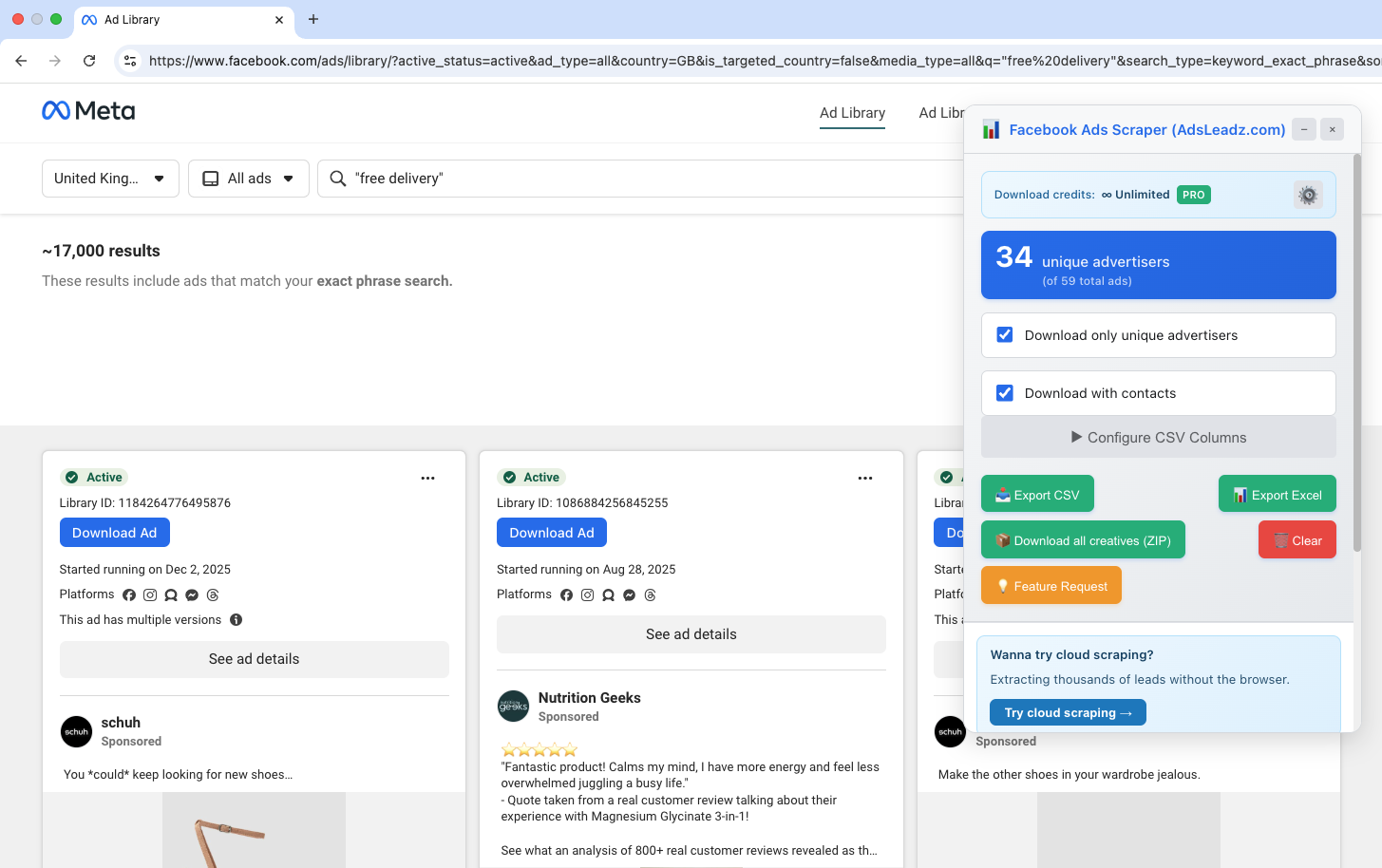
Step 2: Search Inside Meta Ads Library
Go to Meta Ads Library and:
- Select country
- Choose “All Ads”
- Type keyword
- Filter by active ads
You’ll see:
- Page name
- Ad creatives
- Landing page links
- Ad variations
Important signal: if a page runs 5–20 variations, it means they test creatives. Testing = budget. Budget = opportunity.
Step 3: Identify High-Intent Advertisers
What to look for:
1. Multiple active ads
More ads = larger spend.
2. Retargeting creatives
Example phrases:
- “Still thinking about it?”
- “Last chance”
- “Offer ends soon”
Retargeting means they have traffic scale.
3. Long-running ads
If an ad has been active for 60+ days, it likely converts. You can check start date in the library.
Step 4: Visit Landing Pages
Now open landing pages and collect:
- Company name
- Website
- Email (often in footer)
- LinkedIn profile
- Contact form
- Technology stack (Shopify, Webflow, custom)
Manual method works. But if you’re targeting 1,000+ advertisers — it becomes slow.
Step 5: Extract Contact Information
Manual Way
You:
- Copy landing page URL
- Visit website
- Check footer
- Check /contact
- Check LinkedIn
Time per lead: 3–7 minutes. 100 leads = 5+ hours.
Automated Way with AdsLeadz
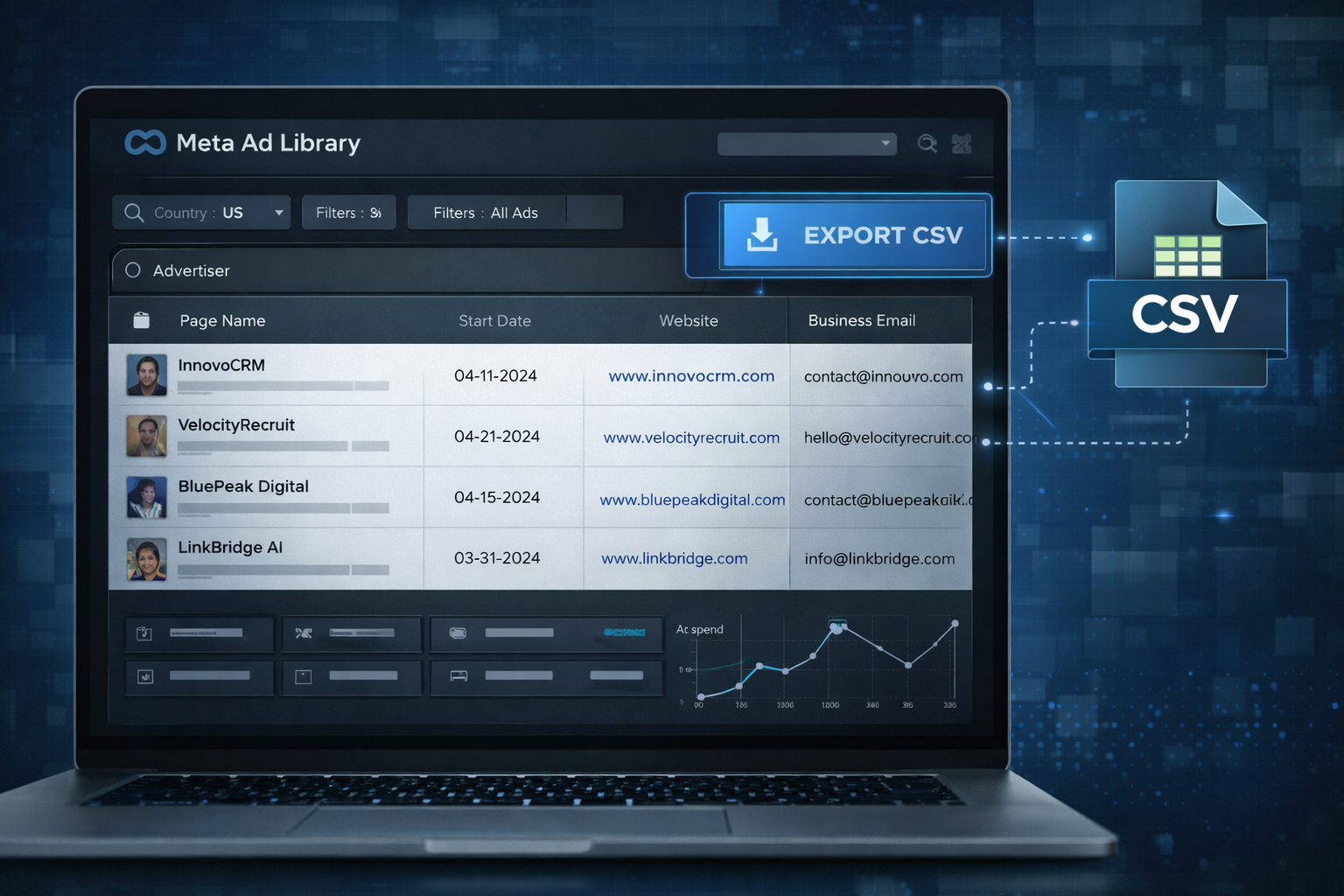
Instead of collecting manually, AdsLeadz allows you to:
- Extract advertiser page names
- Get website URLs
- Retrieve public business emails
- Export in CSV
- Filter by country
- Filter by keyword
- Export unlimited leads
Unlike generic scraping platforms, AdsLeadz is focused specifically on Meta Ads Library advertisers.
That means you are not scraping random businesses. You’re collecting companies actively running ads. That’s a massive difference.
Manual vs Automated Comparison
| Criteria | Manual Research | AdsLeadz |
|---|---|---|
| Speed | Slow | Fast |
| Scale | Limited | Large-scale |
| Email extraction | Manual check | Automated |
| CSV export | Manual copy | One click |
| Filters | Basic | Advanced keyword + country |
| Cost | Time cost | Subscription |
If your time is worth $50/hour, manual research quickly becomes more expensive than automation.
Real Use Cases
1. AI Agencies — Find ecommerce brands running paid ads. Pitch AI creatives or video automation.
2. Email Marketing Agencies — Target brands with lead forms. Offer email flows and automation.
3. Shopify App Companies — Find stores running paid ads. Offer CRO tools or upsell apps.
4. B2B SaaS — Find competitors’ customers. Analyze ad messaging. Build outbound list.
How to Build a Structured Lead List (Step-by-Step)
- Step 1 — Search keyword in Meta Ads Library. Example: “Free consultation”.
- Step 2 — Export advertisers.
- Step 3 — Filter: active ads, country, English language.
- Step 4 — Extract emails and websites.
- Step 5 — Clean list. Use tools like NeverBounce, ZeroBounce.
- Step 6 — Segment by industry, funnel type, budget size (approximate by ad volume).
Common Mistakes
- Scraping random pages — Not all pages have budget.
- Ignoring geography — Cold outreach works better locally.
- Not qualifying landing page — Some advertisers are affiliates, not businesses.
- Sending generic pitch — Mention their actual ad creative in outreach.
Example:
“I saw you’re running webinar ads for AI coaching. We help similar brands reduce CPC by 22% using dynamic creatives.”
That increases reply rate significantly.
Is It Legal?
Meta Ads Library is public.
You are collecting:
- Public advertiser data
- Public business emails
Still:
- Respect GDPR
- Provide unsubscribe
- Do not spam
For EU outreach, follow: GDPR.eu
Who Is This Method For?
Good fit:
- Agencies
- Freelancers
- SaaS founders
- Growth hackers
- Lead gen companies
Not ideal for:
- B2C local small shops
- One-off freelancers without outreach process
- Businesses without CRM
Scaling to 10,000+ Leads Per Month
At scale you need:
- Automation
- Filtering
- CSV export
- Email verification
- CRM sync
Without that, the process breaks.
That’s why many agencies use dedicated tools like AdsLeadz instead of general scraping platforms.
Frequently Asked Questions
Similar Articles

How to Find Companies Running Facebook Ads (2026 Guide)
Learn how to find companies running Facebook ads in 2026 using Meta Ads Library, smart filters, competitor research, and automation tools. Step-by-step guide. ...

How Media Buying Agencies Can Identify High-Spend Advertisers (2026 Guide)
Discover how media buying agencies identify high-spend advertisers using Facebook Ads Library data, ad signals, and tools like AdsLeadz. Practical 2026 guide. ...

How an AI Video Ads Agency Can Find Brands Already Testing New Creatives
Learn how an AI video ads agency can find brands already testing new creatives using Facebook Ads Library data, filters, and competitor signals. ...